SimBayLab is reader-supported. When you buy through links on this page, we may earn a commission at no extra cost to you. We don't test products hands-on: our picks are based on manufacturer specs, published tests and owner reports. How we research.
This is a research-based review. We read Square Golf's product pages and both user manuals, four published tests and owner threads, all in November 2026. Nothing here comes from hands-on testing by SimBayLab.
For specs and prices side by side, see our Square Golf launch monitors page.
Quick Verdict
- Best for: indoor golfers with short rooms who want ball data and simulation without a yearly fee.
- Home Edition (HE): $699 at the time of writing, indoor only, two cameras, marked balls needed for measured spin.
- Omni Edition (OE): $1,599 at the time of writing, indoor and outdoor, four cameras, any ball, built-in display.
- Skip it if: you need reliable measured face angle, or you mostly practice outdoors in bright sun.
Square Golf Launch Monitor Specs at a Glance
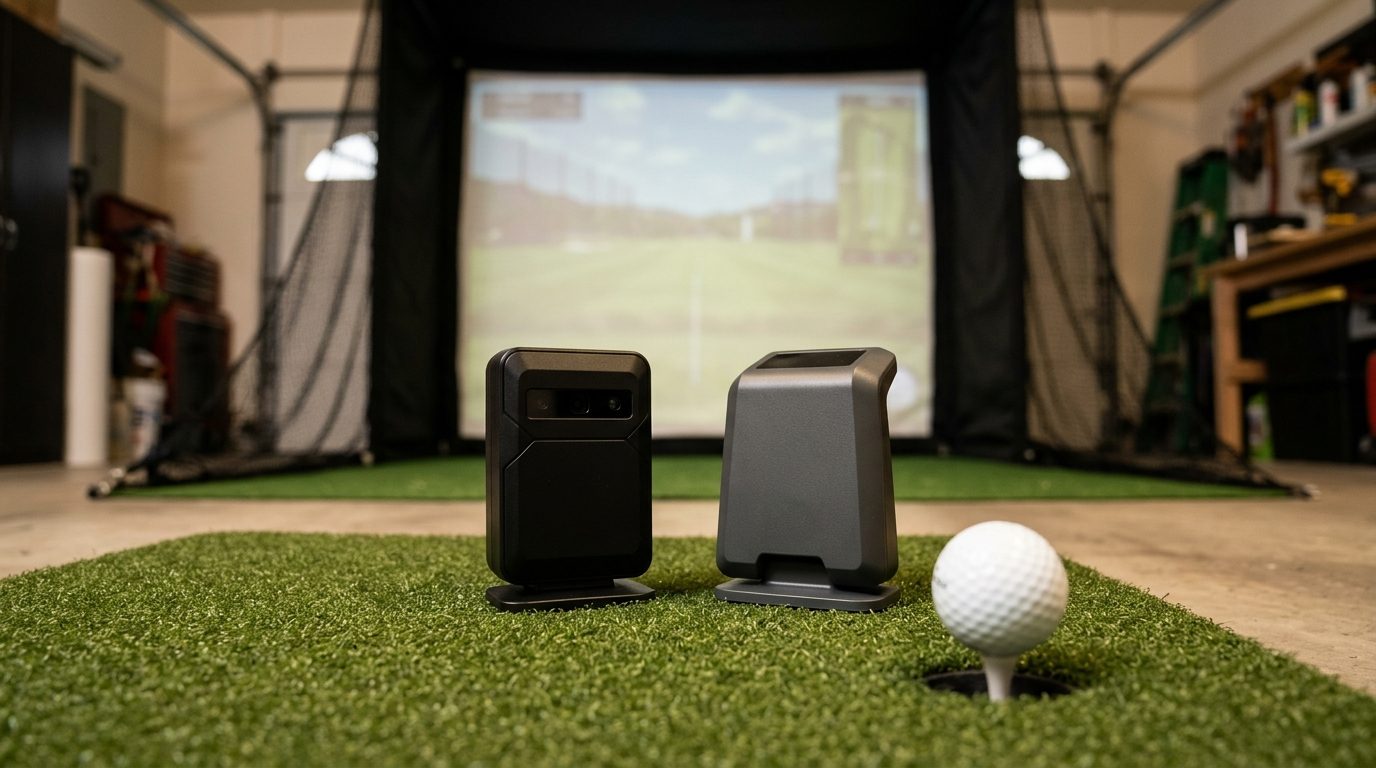
Square Golf sells two models in the US right now. The official store lists only the Square Golf HE (Home Edition) and the Square Golf OE (Omni Edition). Neither showed a Black Friday discount on squaregolf.com when we checked.
Spec: Price (time of writing) · Home Edition (HE): $699, in stock · Omni Edition (OE): $1,599, sold out on squaregolf.com
Spec: Tracking · Home Edition (HE): Camera, 2 high-speed cameras · Omni Edition (OE): Camera, 4 high-speed cameras
Spec: Indoor / outdoor · Home Edition (HE): Indoor only · Omni Edition (OE): Indoor and outdoor
Spec: Spin with a plain ball · Home Edition (HE): Estimated · Omni Edition (OE): Measured
Spec: Club data · Home Edition (HE): Path, attack angle (shaft marker) · Omni Edition (OE): Path, attack angle, club speed, impact point (stickers)
Spec: Battery · Home Edition (HE): Up to 8 hours · Omni Edition (OE): About 6 hours
Spec: Subscription · Home Edition (HE): None, 1,000 credits included · Omni Edition (OE): None, 1,000 credits included
The Omni was sold out on Square's own store on November 25, 2026, but authorized dealers still listed it. Shop Indoor Golf showed $1,599 and PlayBetter showed $1,599.99, both in stock and with no sale price.
How the Square Golf Launch Monitor Measures Your Shots
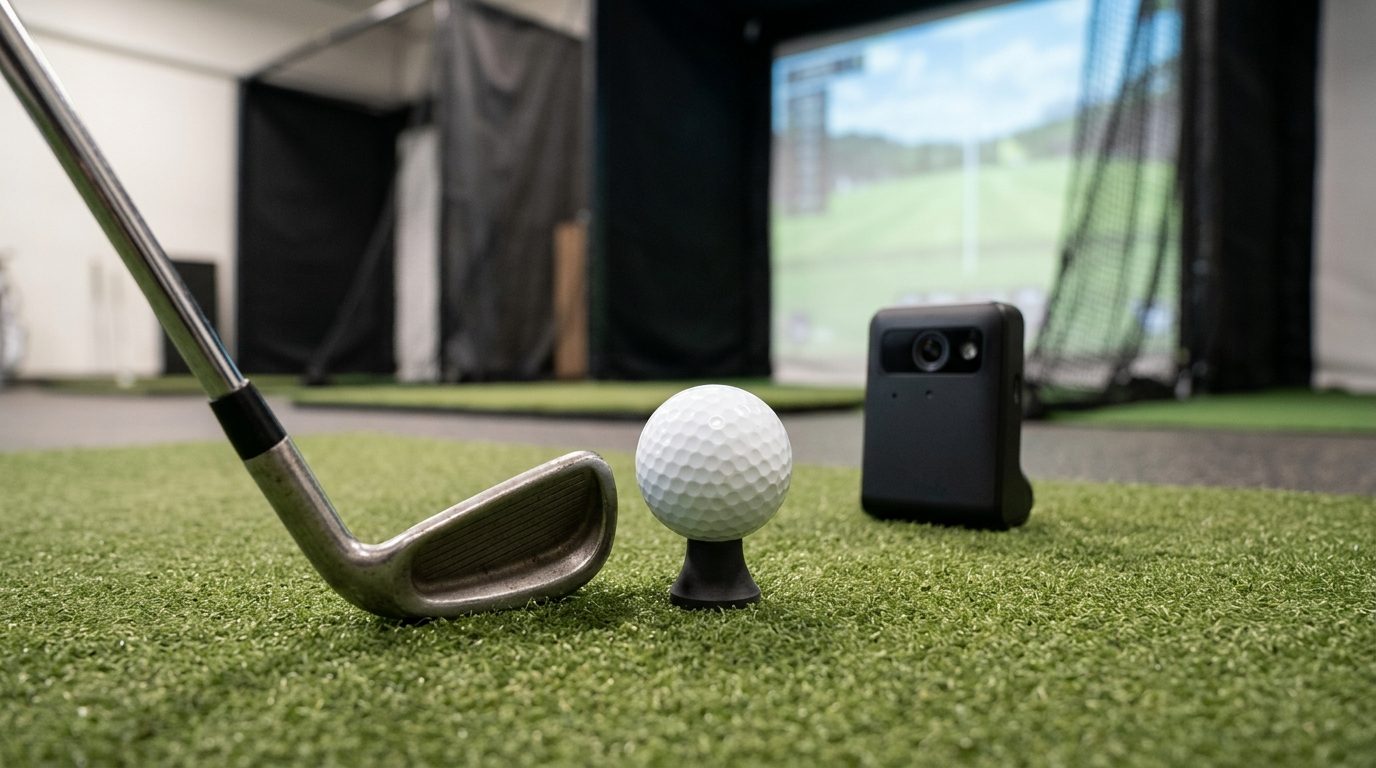
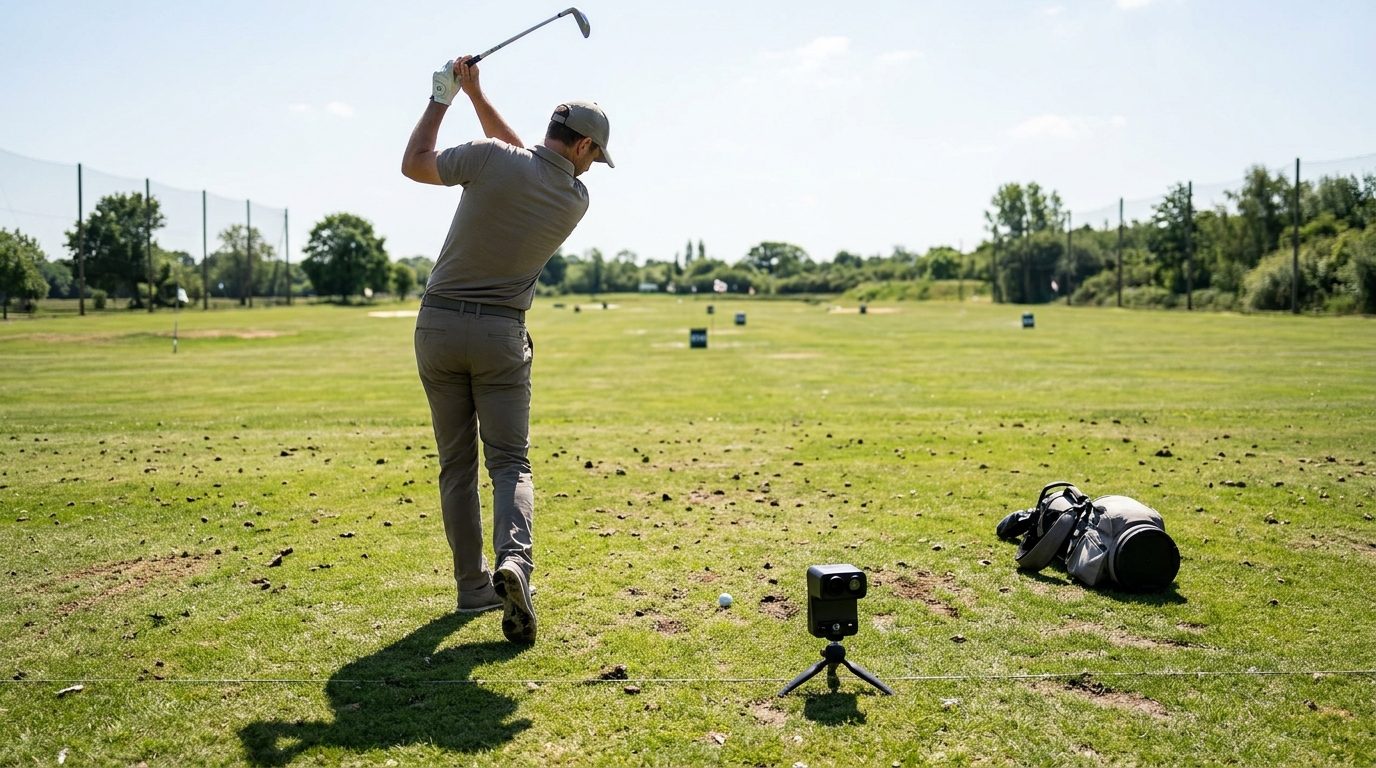
Both models are photometric. They take high-speed images of the ball and club at impact (the HE manual mentions built-in infrared lighting), then calculate the flight. There is no radar, so the unit does not need to watch the ball fly into the screen.
That is why it sits beside the ball, not behind you. The HE manual puts the center of the hitting zone about 16.5 in (42 cm) in front of the unit and about 9 in (23 cm) to the side. The zone itself is only about 6 x 6 in.
The Omni gives you more room to work with. Its ready zone starts about 2 in to the side and 14 in in front of the unit, and it measures about 10 x 10 in. Square recommends placing the ball in the front part of that zone for the best club capture.
Spin: Measured or Estimated
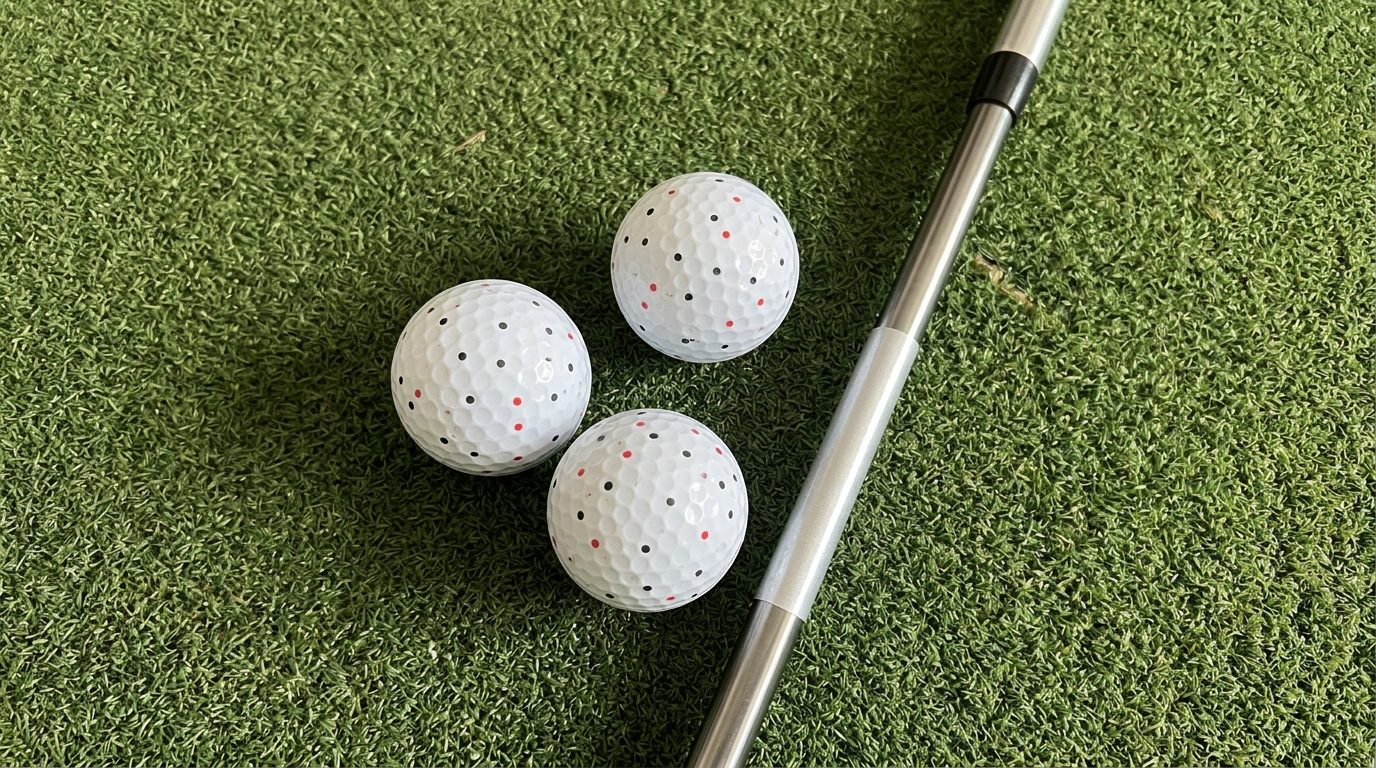
This is the biggest difference between the two models. Square's own data chart for the HE shows back spin and side spin as measured only with its marking balls. With a normal ball, spin is marked as an estimate.
Three marking balls come in the HE box, and Square sells more. The Omni uses what Square calls marker-free dimple tracking, and its chart lists back spin and side spin as measured with any ball.
Club Data and Stickers
On the HE, a marker on the shaft unlocks club path and attack angle, both listed as measured. Face angle and dynamic loft are listed as estimates. The HE chart does not list club speed or smash factor.
The Omni adds club speed and impact location, but you need both a shaft sticker and a face sticker. Face angle and dynamic loft are still estimates on the Omni, according to its manual.
Measurement Ranges
Square lists ball speed from 3.4 to 201.3 mph on the HE and from 4 to 200 mph on the Omni. Putting speed runs up to 17.9 mph on the HE and 45 mph on the Omni. Back spin tops out at 12,000 rpm on both.
Room Size: How Much Space Square Golf Needs
Square Golf does not publish a minimum room size on its product pages or in either manual we read. The official space requirement is [TO VERIFY] with Square directly.
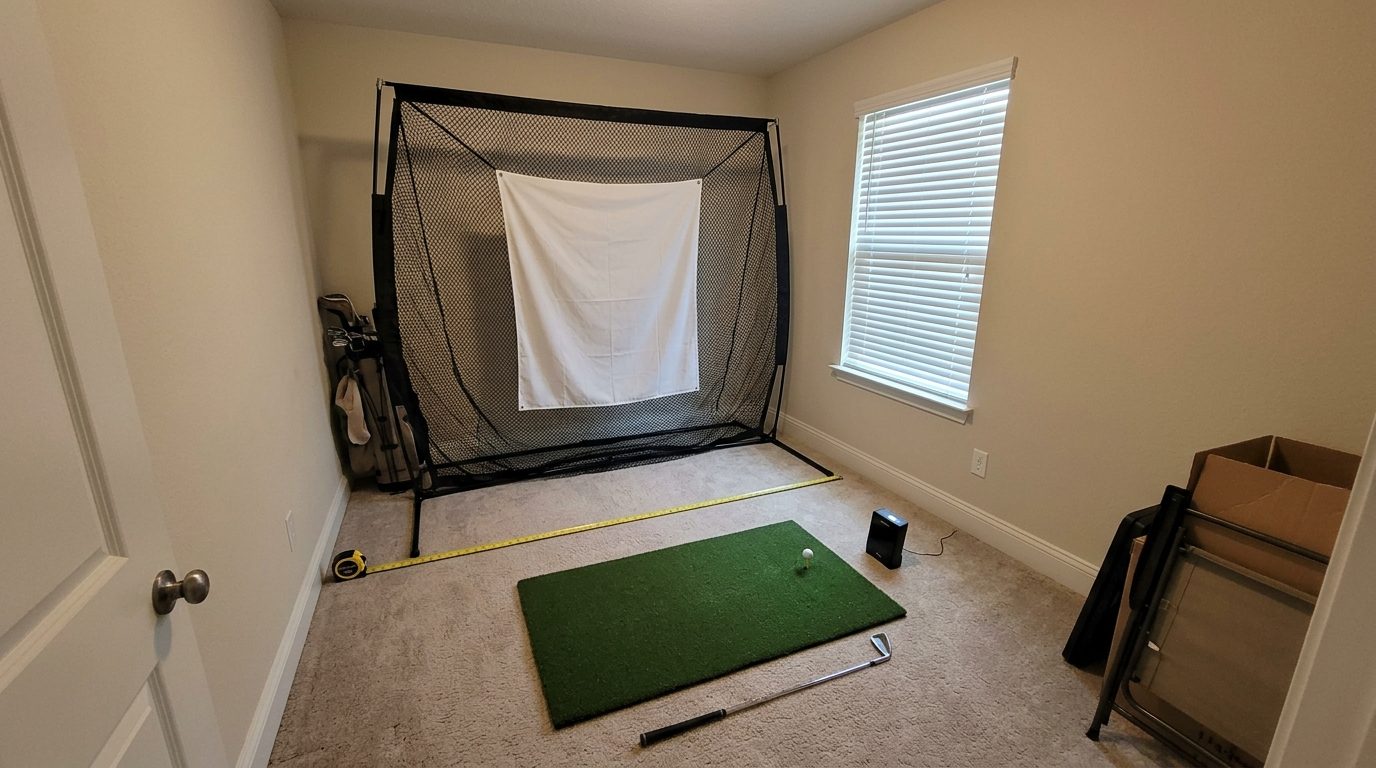
PlayBetter, a US Square dealer, recommends a room about 10 ft wide, 10 ft deep and 9 ft tall for both the HE and the Omni. PlayBetter also says taller golfers with long swings may need more than 9 ft of ceiling.
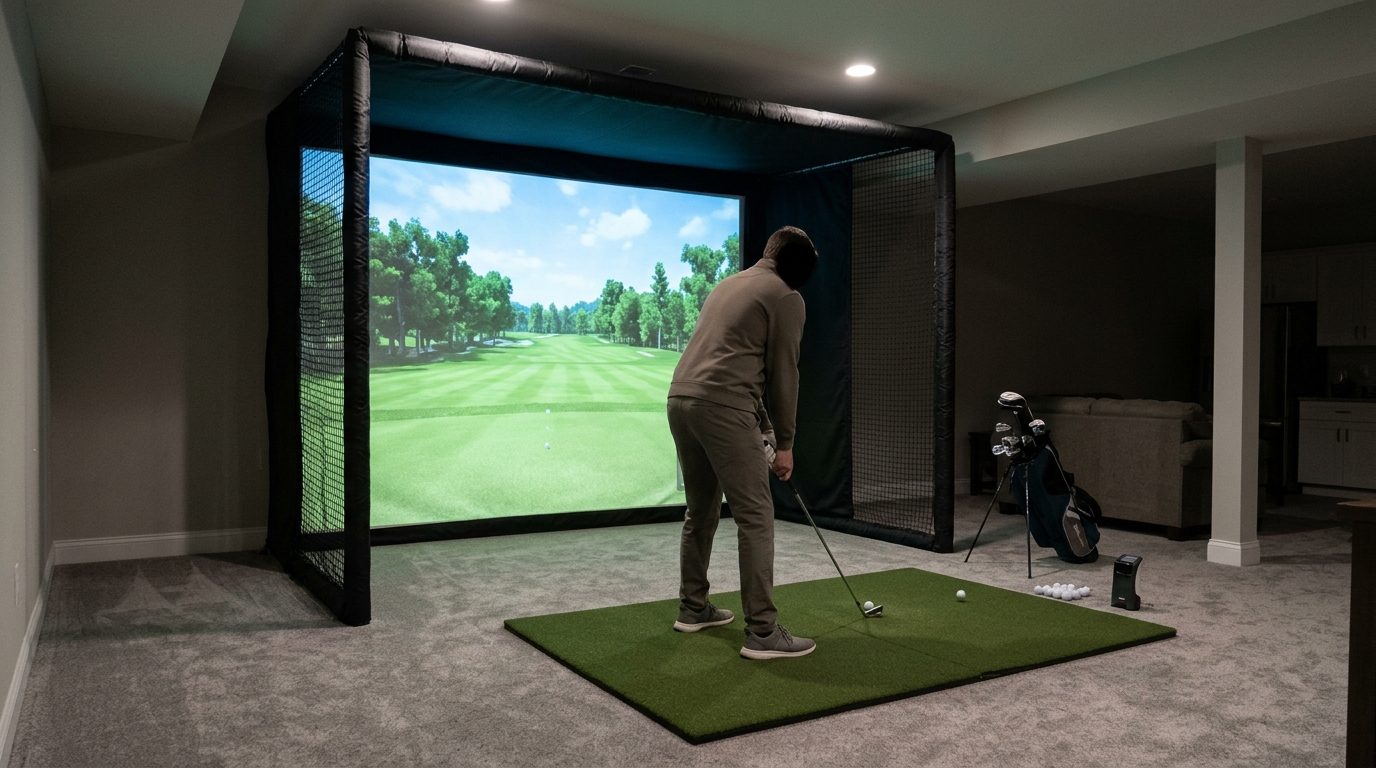
Treat 10 ft deep as a swing-space figure, not a full sim bay. Shop Indoor Golf's general guide asks for the ball to sit at least 10 ft from the impact screen, with 13 ft as a minimum room depth. Even so, a side-of-ball camera saves the 6 to 8 ft behind the ball that radar units like the Garmin R10 need.
- Lighting: the HE manual asks for a room with little to no sunlight, and the front of the unit should not face direct sunlight.
- Level: set the unit on a flat surface at the same height as the ball. On a thick mat, raise the unit to match.
- Lefties: both models work left-handed, but you have to move the unit to the other side.
- Garage use: both manuals list an operating range of 32 to 104°F. The Omni is rated IP44 for splashes, not rain.
Included Software, Credits and Subscriptions
Square Golf does not charge a monthly or yearly fee for its basic features, including the driving range. Course play runs on credits instead. Each device comes with 1,000 welcome credits, and Square says they do not expire.
Square does not list credit prices on its site, so the current cost of a refill is [TO VERIFY] in the app. Plugged In Golf reported in 2024 that one credit covers one hole and that credits cost 2.6 to 4 cents each, depending on pack size. Golf Monthly estimated in early 2025 that the welcome credits cover roughly 55 rounds.
The native course list is short, and the count depends on the source. Square's course page lists 10 in-house courses, all marked available since February 2024, while Golf Monthly counted 22 in the app in its July 2026 Omni review. The page may simply be out of date, so check the app store listing before you buy.
Square says the app runs on compatible Windows PCs and selected mobile devices. ChromeOS devices, including Chromebooks, are not supported.
Third-Party Software
Square says both models work with GSPro, E6 Connect and Awesome Golf, and its software page adds Creative Golf. Each needs its own license. GSPro costs $250 per year at the time of writing, runs on a Windows PC only, and lists both Square models as supported.
Square does not say whether GSPro rounds use your Square credits, so that point is [TO VERIFY] before you count on it. Awesome Golf's own docs say Square credits are not required to play its software. For a full cost comparison of these programs, see our guide to the best golf simulator software.
What Published Tests Found
Three outlets published four tests we could open. Each test compared Square against a more expensive launch monitor. None of these are SimBayLab tests.
Home Edition Results
Plugged In Golf (October 2024) compared the HE with a Foresight GCQuad. It reported ball speed typically spot on, carry within a couple of yards and spin within a few hundred rpm, with marked and standard balls alike. Putting ball speed stayed within 0.5 mph.
The same review was much less positive on club data. It found the HE often returned no club numbers, and face angle readings were unreliable. It also flagged ball placement: a light and a sound confirm the ball is in position, but the unit does not tell you if you are too close or too far.
Golf Monthly (January 2025) compared the HE with a Full Swing KIT radar. It reported carry within two yards on all but one of 50 shots, and spin within 300 rpm. It noted that the best data needs the dotted balls, and that club speed and smash factor were not shown at the time.
Square Golf Omni Review Results
Golf Monthly (July 2026) compared the Omni with a Foresight GC3. Indoors, it reported nearly identical numbers and no missed shots. Outdoors, it found big gaps, with some long irons reading up to 20 yards short, and suspected direct sunlight.
That review also called the built-in screen too low to read comfortably and rated the native software as the weakest part of the package. National Club Golfer (May 2026) compared the Omni with a Trackman and gave it 4.5 out of 5. It reported spin very close to the Trackman and carry usually within a couple of yards, at most 5 yards off.
What Owners Report
Owner feedback we could read is limited, so treat it as signals, not a measure of how common a problem is. The points below come from owner threads on Golf Simulator Forum and on Square Golf's own community board.
- GSPro connection: one owner on Golf Simulator Forum reported the unit failing to re-arm every five or six shots in GSPro, while a round in the native app went fine. After adding a Wi-Fi extender in the garage, the owner said it seemed fixed.
- Ball detection: the same owner said the unit missed the ball when the tee holder's strap did not lie flat on the mat.
- Software pace and support: on Square's community board in 2025, owners debated how fast the app was improving. One owner said support did not respond and was disputing the purchase, while another said early software complaints had been addressed.
Firmware and app updates can change all of this. Check that your unit and app are on the latest versions before judging accuracy.
Limits to Know Before You Buy
- HE spin needs marked balls. With a plain ball, Square's chart lists spin as estimated.
- Face angle is estimated on both models. If you work on face-to-path, a unit that measures face angle directly is a better fit.
- Small hitting zone on the HE. About 6 x 6 in, so ball placement takes care.
- Few native courses. Most course variety comes from paid third-party apps.
- Omni outdoors. One published test saw large distance gaps in bright sun.
- Warranty. One year from purchase, per Square's FAQ.
Square Golf HE vs Omni: Which One Fits You
Choose the HE if you play indoors only, want the lowest entry price, and do not mind using marked balls for spin. It also ships with a swing stick for virtual shots in a living room, with no ball at all.
Choose the Omni if you want measured spin with your own ball, outdoor range sessions, or club speed and impact location. The built-in display also lets you read shot data without a phone.
Square Golf Launch Monitor Alternatives
Square's main rivals sit behind the ball and use radar, or sit beside the ball at a higher price. Here is how the closest ones compare at the time of writing.
Launch monitor: Square Golf HE · Price: $699 · Tracking: Camera · Placement: Beside ball · Indoor depth needed: No official figure
Launch monitor: Garmin Approach R10 · Price: $499.99 reg., $399.99 sale · Tracking: Radar · Placement: Behind ball · Indoor depth needed: About 14 ft (our sum)
Launch monitor: Rapsodo MLM2PRO · Price: $699.99 reg., $399.99 sale (through 11/30) · Tracking: Camera + radar · Placement: Behind ball · Indoor depth needed: A little over 14 ft
Launch monitor: SkyTrak ST MAX · Price: $2,995 reg., $1,695 sale · Tracking: Camera + radar · Placement: Beside ball · Indoor depth needed: 10 x 10 ft area
Launch monitor: Uneekor EYE MINI CORE · Price: $1,499 reg., $1,199 sale · Tracking: Camera · Placement: Ground unit · Indoor depth needed: No official figure
The Garmin Approach R10 costs less during Black Friday but needs about 14 ft of depth, and its Home Tee Hero courses need a Garmin Golf membership. The Rapsodo MLM2PRO measures spin with special RPT balls and has a yearly membership for full features. Our Garmin R10 vs Rapsodo MLM2PRO comparison covers both in detail.
If you want a side-of-ball unit above the Omni, the SkyTrak ST MAX lists a 10 x 10 ft minimum area, though SkyTrak's pages do not confirm GSPro support. The Uneekor EYE MINI CORE is indoor only, needs a PC, and charges $1,500 to unlock club data.
If you are still deciding on a budget, read whether cheap launch monitors are worth it and our guide on how to choose a golf launch monitor.
FAQ
Is the Square Golf launch monitor worth it?
For indoor golfers with short rooms, it can be. The $699 Home Edition tracked ball data close to far pricier units in published tests and needs no subscription. Club data is its weak spot: face angle is estimated on both models, and the HE needs marked balls for measured spin.
Does Square Golf require a subscription?
No, Square Golf says its basic practice features, including the driving range, need no monthly or yearly subscription, and course play uses credits instead. Each HE and Omni includes 1,000 welcome credits that do not expire, and you can buy more. Third-party apps like GSPro charge their own fees, separate from Square.
Does the Square Golf launch monitor measure spin?
Yes, with conditions. The Home Edition measures back spin and side spin with Square's marking balls, and Square lists spin as estimated with a normal ball. The Omni Edition uses marker-free dimple tracking, and Square lists spin as measured with any ball, according to its user manual.
How much room do you need for Square Golf?
Square Golf does not publish a minimum room size, but dealer PlayBetter recommends about 10 ft wide, 10 ft deep and 9 ft tall. Because the unit sits beside the ball, you skip the 6 to 8 ft behind the ball that radar units need. A full screen setup still needs more depth.
Does Square Golf work with GSPro?
Yes. Square lists GSPro, E6 Connect and Awesome Golf as compatible, and GSPro lists both the Square Home and Square Omni. GSPro costs $250 per year at the time of writing and needs a Windows PC, and Square does not say whether GSPro play uses its credits.
Can you use Square Golf outdoors?
Only the Omni Edition, since Square says the Home Edition is for indoor use only. The Omni works indoors and outdoors, but Square warns that direct sunlight into the cameras can affect results. Golf Monthly saw large distance gaps outdoors in its July 2026 test.
Models mentioned in this article
Also compare: Photometric (camera) launch monitors · Launch monitors under $1,000